
Website Builder
A professional website takes shape through dialogue: brief, three design directions, real code changes, and a safe preview through controlled launch.
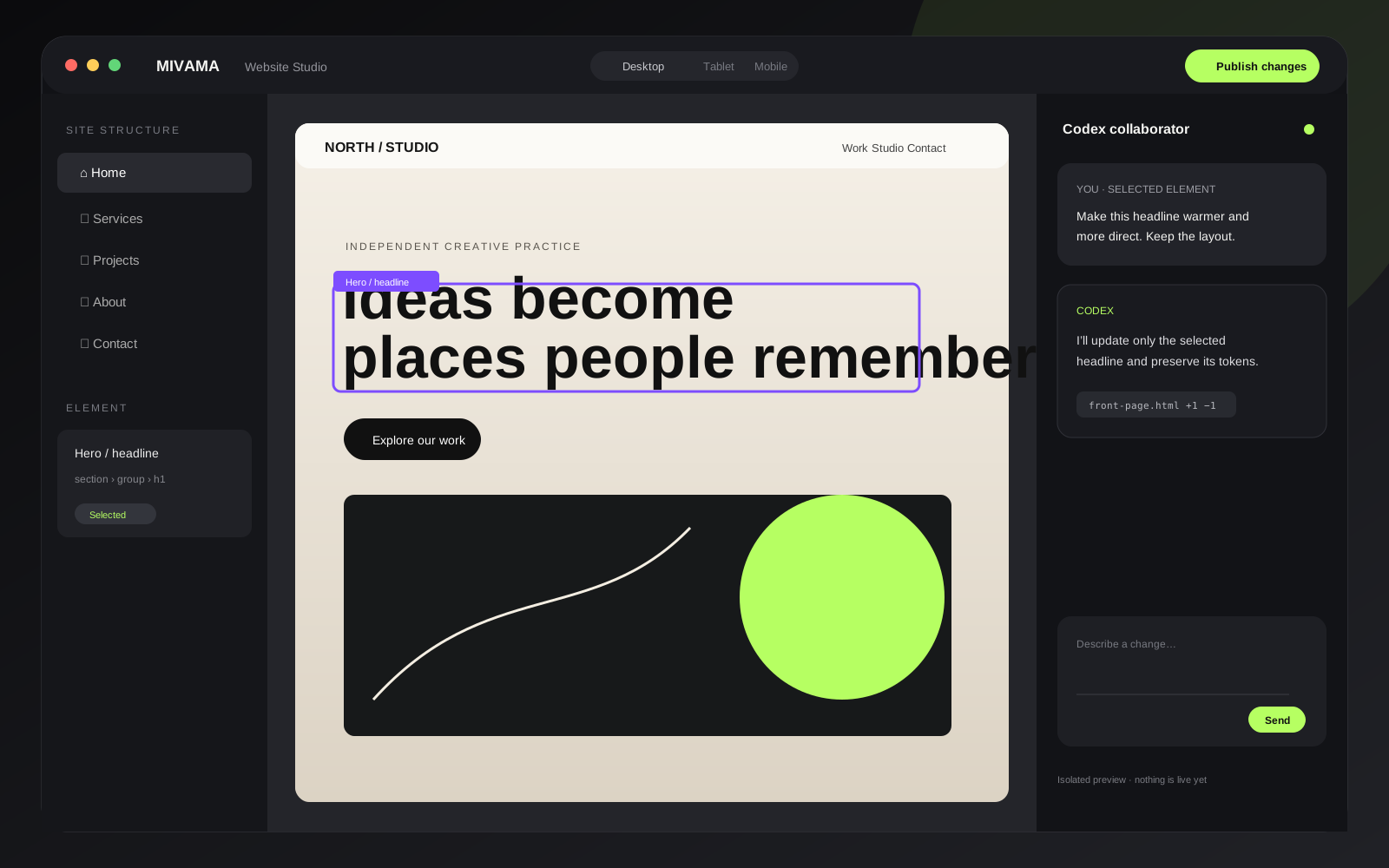
A website you actually own.
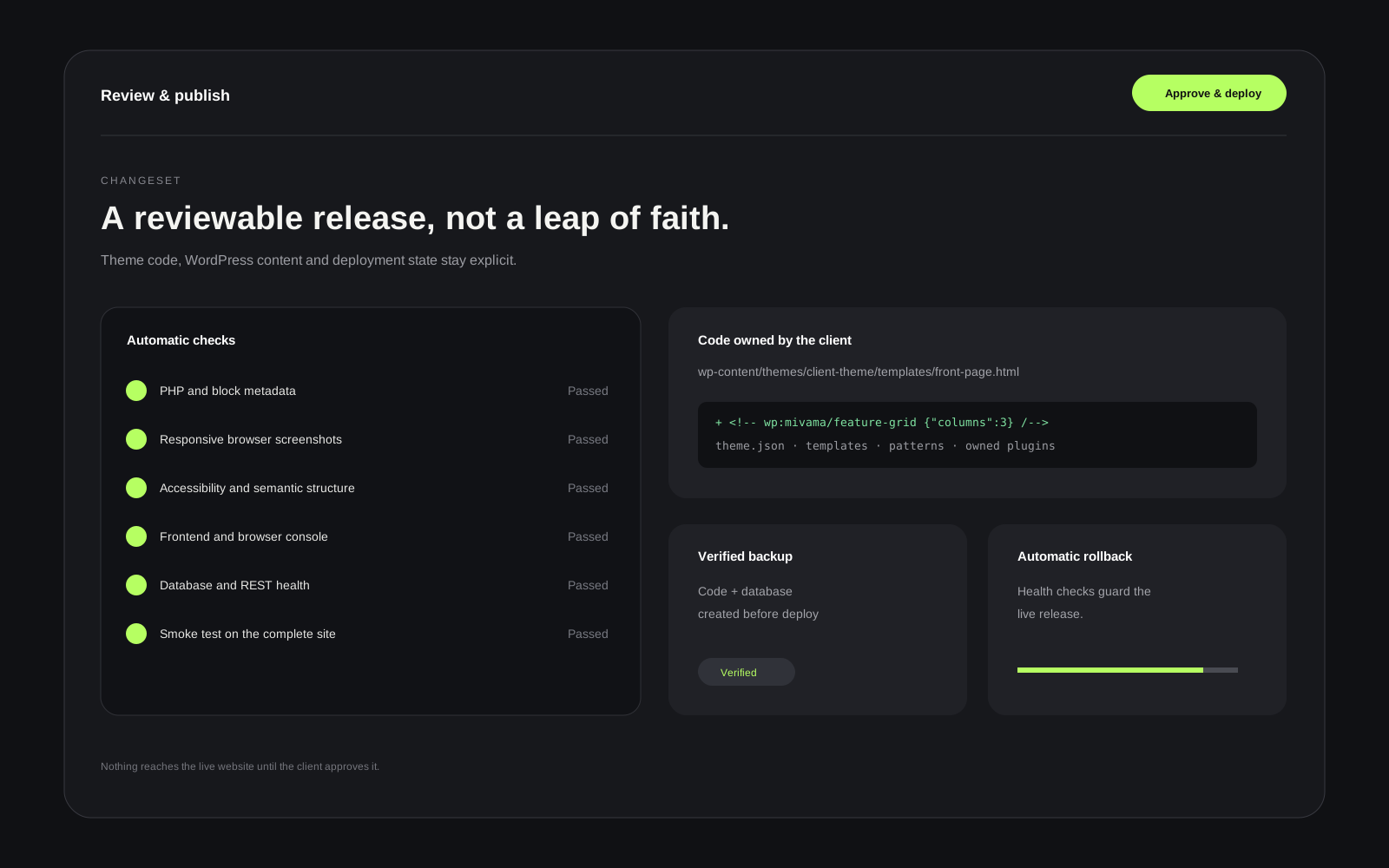
The Builder works directly with the client’s theme and plugin code. There is no proprietary page box and no opaque export: content stays in WordPress, custom code stays custom code, and every change can be reviewed before publication.
From an idea to a dependable website
The process does not begin with an empty canvas. A guided brief defines the offer, audience, primary action, languages, commerce needs, and existing brand assets. For a redesign, the Builder also reads the current site structure, active plugins, and design tokens before proposing changes.
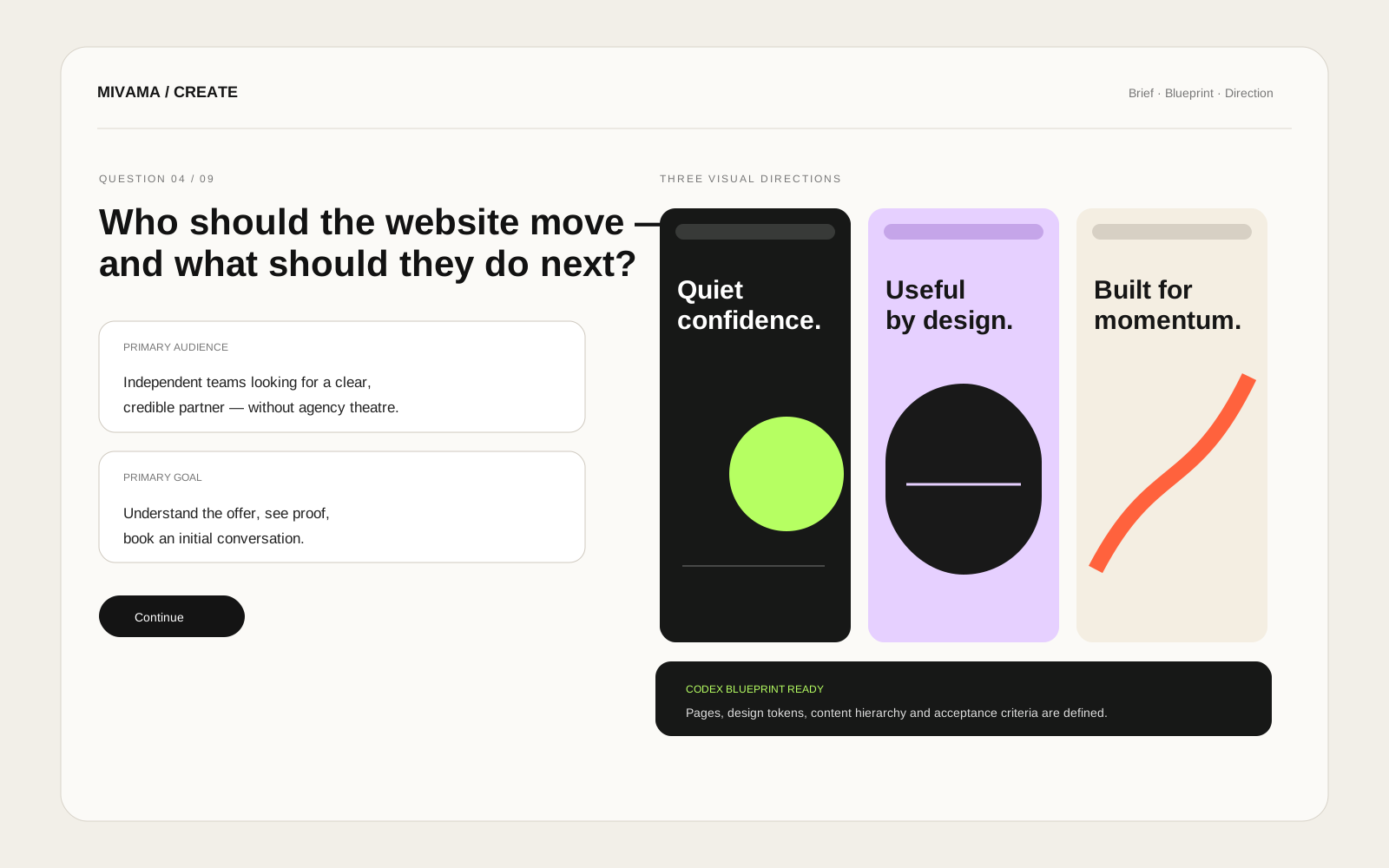
You describe the change. The Builder understands its context.
It is more than “make the button green.” The Builder knows the active route, selected component, design system, site structure, and permitted code areas. It can precisely rewrite one headline, build a reusable Gutenberg component, or — after explicit approval — shape a complete site system.
Selected website and commerce work
Client environments are protected by default and appear publicly as references only with approval. These examples show the same modular WordPress and product work developed through the Builder.
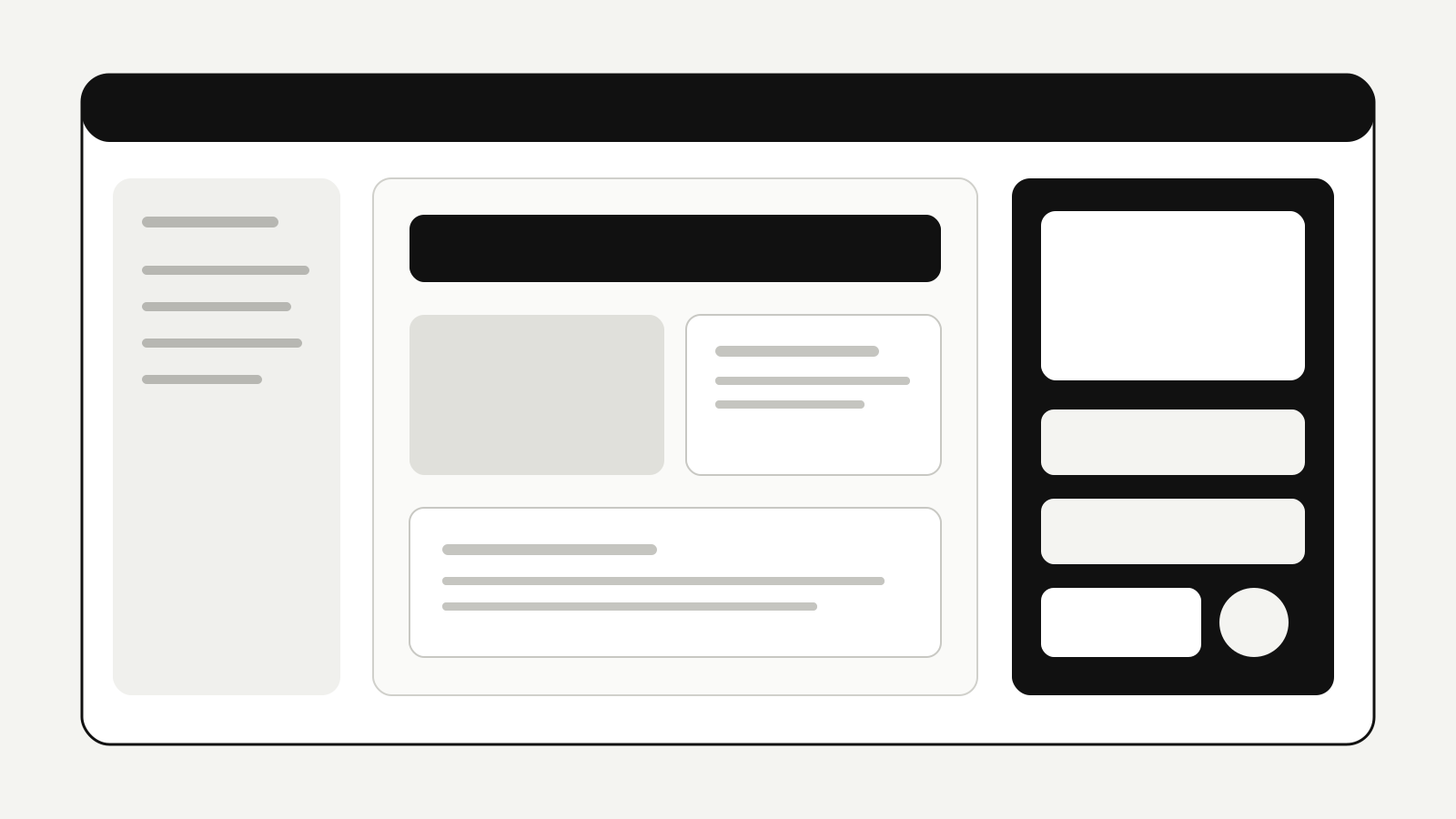
New website concepts
From a structured brief to three distinct visual directions before implementation begins.
Included with selected hosting plans
The Website Builder is available with eligible Mivama WordPress hosting plans directly in the client portal under Development. It starts an isolated copy of the live website; the public site remains unchanged until you review and deploy.
Clients connect their own or authorized Codex account for the AI collaborator. Mivama provides the secure Studio infrastructure, WordPress integration, verification, and deployment workflow; the model account and AI allowance remain with the client.
Improve an existing site or begin from scratch: both run on the same controlled foundation — your code, your content, and your approval.